
Limbo Emulator
Tools
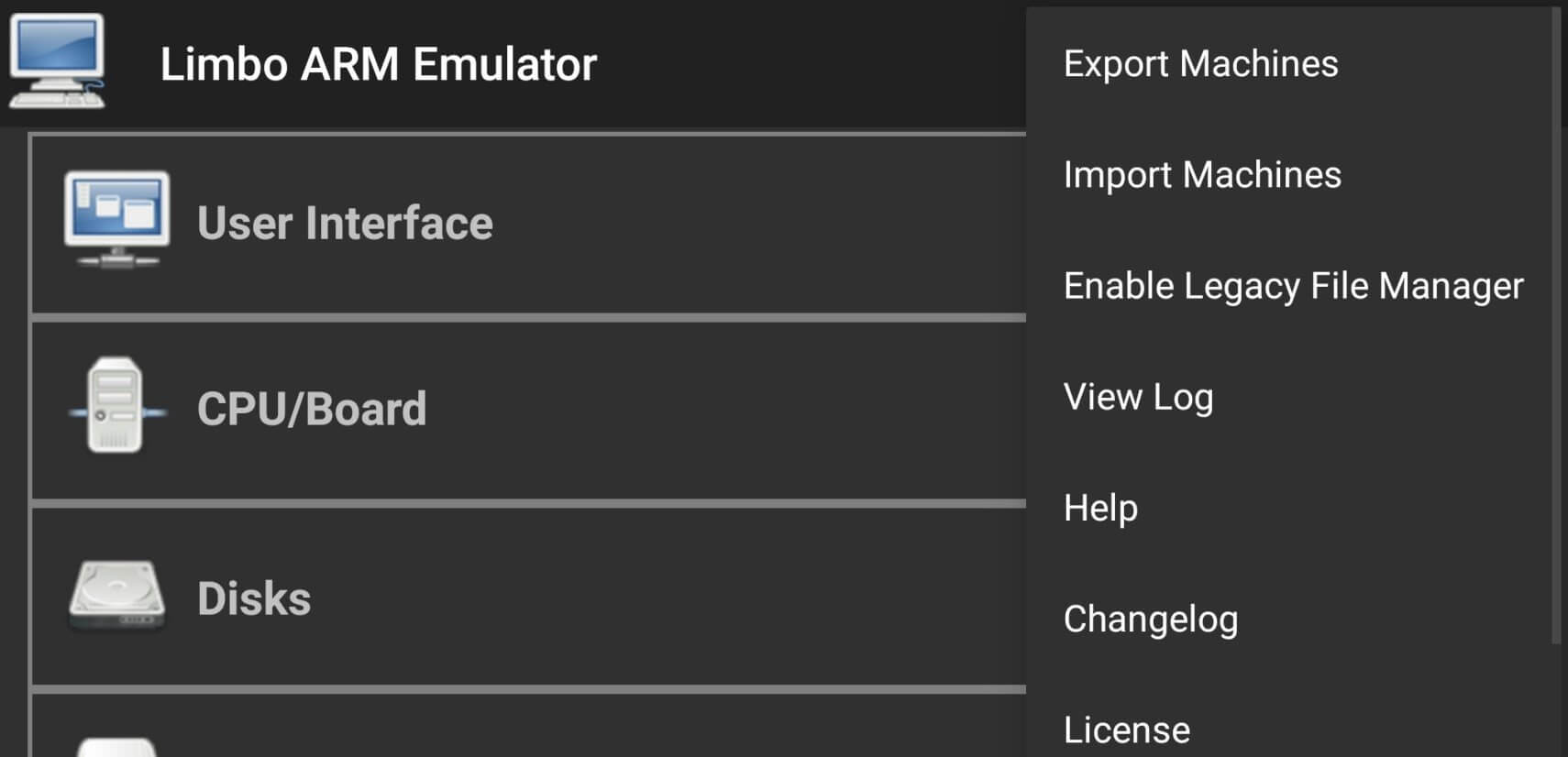
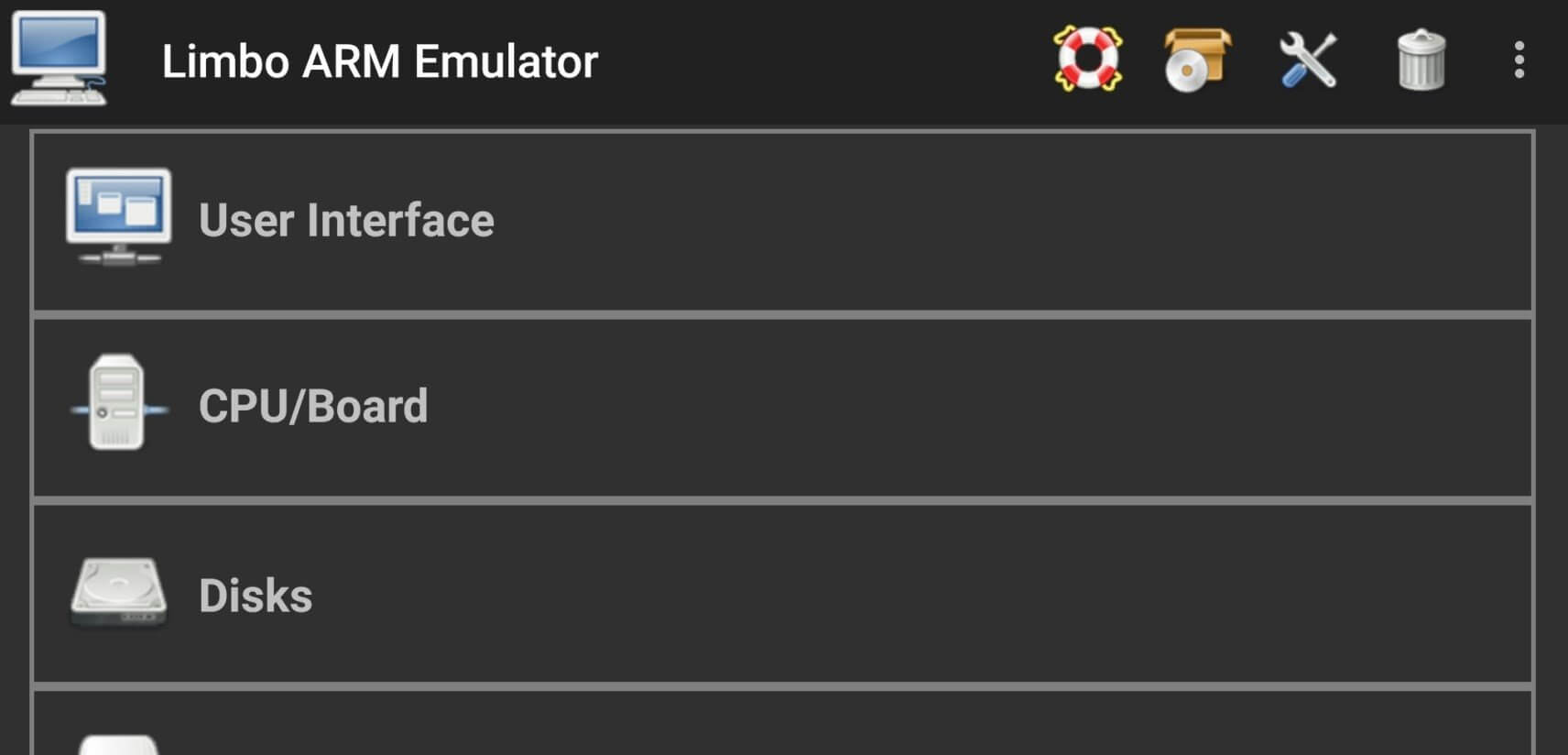

Limbo Emulator lets Android devices act like a full‑blown computer. By emulating x86 hardware, it can run a variety of operating systems—from classic Windows versions to many Linux distributions—directly on your phone or tablet.
This page gives you the essential details, a step‑by‑step install guide, troubleshooting tips, and a quick look at how Limbo stacks up against other popular emulators.
Quick Information
| App/Game Name | Limbo Emulator |
| Latest Version | 6.0.1 |
| Developer | Not listed |
| Category | Apps / Tools |
| App Size | 31.35 MB |
| Package Name | com.limbo.emu.main |
| Last Updated | 19 January 2026 |
What Is Limbo Emulator?
Limbo Emulator is an open‑source virtual machine for Android that emulates an x86 PC. Users can load ISO or IMG files to boot operating systems such as Windows 95/XP, Ubuntu, Debian, and more. The app is aimed at developers, hobbyists, and anyone who wants to experiment with desktop software on a mobile device.
Key capabilities include configurable CPU cores, RAM allocation, and virtual storage. Because it runs entirely on the device, no external hardware is required, but performance depends heavily on the phone’s processing power and available memory.
Compatibility
Compatibility
| Android Version | Not Verified |
| Architecture (ARM64 / 32-bit) | Not Verified |
| Internet Connection | ✓ Verified — May be required for ads, updates, or login |
| Storage Needed | Not Verified |
| OBB/Data Files | Not Verified |
| Root Required | Not Verified |
How to Install
- Download the Limbo Emulator APK file to your device.
- Open Settings → Security (or Privacy on newer Android versions) and enable Install unknown apps for the browser or file manager you used.
- Locate the downloaded APK in your Downloads folder and tap it.
- Follow the on‑screen prompts to complete the installation.
- After installation, launch Limbo Emulator and grant any requested storage permissions so you can load ISO/IMG files.
Troubleshooting
- App not installed error: Verify the APK is intact and matches the version listed. Ensure you have enough free storage and that “unknown sources” is enabled.
- Crashes on startup: Check that your device meets the minimum Android version (usually Android 5.0+). Clearing the app cache or reinstalling can help.
- Performance is sluggish: Reduce the number of virtual CPU cores and RAM allocated in the emulator settings. Older devices may struggle with newer OS images.
- Unable to boot an ISO/IMG: Confirm the image file is not corrupted and is compatible with x86 architecture. Use verified OS images from reputable sources.
Safety & Security
Limbo Emulator is not a modified (MOD) build, but it is still a third‑party APK. Always download from a trusted source and verify the file’s integrity (e.g., compare SHA‑256 hashes if provided). Review the permissions the app requests; typical needs include storage access for loading disk images. Keep the app updated, as newer releases often include performance improvements and security patches.
How Limbo Emulator Compares
| Feature | Limbo Emulator | DOSBox | QEMU |
|---|---|---|---|
| Price / Free Model | Free (open‑source) | Free (open‑source) | Free (open‑source) |
| Platform Availability | Android only | Android, Windows, macOS, Linux | Android, Windows, macOS, Linux |
| Standout Feature | Full x86 PC emulation, supports many OS images | Optimized for DOS games, low resource usage | Broad architecture support, high configurability |
| Best For | Running full desktop OSes on Android | Classic DOS titles and utilities | Advanced users needing extensive hardware emulation |
Alternatives
DOSBox – A lightweight emulator focused on DOS applications and games. Ideal for retro gaming with minimal setup.
QEMU – A powerful, cross‑platform emulator that supports a wide range of CPU architectures and devices. Suited for developers and power users.
Bochs – An open‑source x86 PC emulator offering detailed hardware configuration. Good for educational purposes and low‑level testing.
UserLAnd – Allows you to run full Linux distributions on Android without rooting. It uses a different approach (container‑based) rather than full hardware emulation.
Final Verdict
Limbo Emulator is a solid choice for anyone who wants to experiment with full desktop operating systems on an Android device. It’s free, open‑source, and supports a broad range of OS images. Performance will vary by hardware, so newer, high‑end phones provide the best experience. Ensure you download the APK from a reputable source and verify permissions before installing.
Frequently Asked Questions
Yes, if you download the APK from a reputable source and verify its integrity, it is safe. Review the permissions it requests before installing.
Limbo Emulator generally requires Android 5.0 (Lollipop) or newer, but newer versions improve stability.
While Limbo can boot many Windows versions, Windows 10 is very resource‑intensive and may not run smoothly on most mobile devices.
No, Limbo Emulator works on non‑rooted devices; however, root can sometimes improve performance or allow advanced storage options.
This can happen if the APK is corrupted, if you lack enough storage, or if installation from unknown sources is disabled in your device settings.
Yes, installing a newer APK will replace the existing version while keeping your configuration files.
Older versions may be found on archival sites, but using the latest version is recommended for better compatibility and security.